
How to create a chess academy website
Get a website that turns a parent's first search into a demo class, and keeps every batch full from beginner to rated play. No tech skills needed.
IncludedSEOBookingsSocialAnalytics
₹299/monthTry Free
What do you need for a chess academy website?
Why should parents pick your chess academy?
- 1. Lead with your levels and area
- 2. Give 3 reasons to learn with you
- 3. Tell your academy's story
- 4. Show your rating results
- 5. Pick a logo and board colours
1. Lead with your levels and area
One line that says who you teach, up to what level and where, like “Chess for ages 5 to 16, beginner to rated play, in Aundh and online”. Put a Book a Demo Class button beside it.
See our AI Website BuilderChecklist
2. Give 3 reasons to learn with you
Pick the 3 things parents ask about most: small batches of 6 to 8, a level test before joining, weekly game reviews, or a coach with a FIDE trainer title.
Checklist
3. Tell your academy's story
Say who started the academy, when and why. One line on how you teach works well, like “Every child plays a full game in every class”.
Checklist
4. Show your rating results
Parents of tournament players look for proof: students who now hold a FIDE rating, district or state medals, and years of coaching. Count only what you can show.
Checklist
5. Pick a logo and board colours
A knight or king mark looks good on demo boards, score sheets and the T-shirts children wear to tournaments.
See our Business Logo MakerChecklist
What chess classes do you run?
- 1. Explain each level
- 2. Show class fees per month
- 3. Set out online and offline batches
- 4. Explain fees and receipts
- 5. Show your classroom and boards
- 6. List tournaments and camps
1. Explain each level
Give each level a short block, from learning how the pieces move to tactics, openings, endgames and rated play. Say what a child can do by the end of it.
Checklist
2. Show class fees per month
Show the monthly fee for each level, the classes in a month and how long each class runs. Parents compare academies on this.
See our AI Website EditorChecklist
3. Set out online and offline batches
List your centre batches and your Zoom batches side by side, with days, times and the platform you play on, like Lichess or Chess.com.
Checklist
4. Explain fees and receipts
Say when the fee is due, if a quarterly plan costs less, and that every payment gets a receipt. Let parents pay by UPI on your website.
See our UPI Payments on WebsiteChecklist
5. Show your classroom and boards
Show your tournament boards, clocks, the demo board on the wall and the waiting area for parents.
Checklist
6. List tournaments and camps
List the rated and school tournaments your students play, your own rapid events and your summer camp dates.
Checklist
How can parents trust your chess academy?
- 1. Introduce your chess coaches
- 2. Post class and event photos
- 3. Share what parents say
- 4. Say how online classes stay safe
- 5. Answer parents' questions
1. Introduce your chess coaches
Add each coach's photo, FIDE ID and rating, any FIDE title or trainer title, and the ages they teach best.
Checklist
2. Post class and event photos
Show real classes, prize ceremonies and camp days. A parent must agree before a child's photo goes up.
See our AI Website EditorChecklist
4. Say how online classes stay safe
Say who joins a Zoom class, that links are private, whether you record classes, and that a coach never chats one-to-one with a child without a parent in the loop.
Checklist
5. Answer parents' questions
Answer what parents ask: “Is 5 too young to start?”, “Online or at the centre?”, “When can my child play a rated tournament?”. Short answers also help Google and AI assistants explain your classes.
See our Automatic Website SEOChecklist
How can parents reach your chess academy?
- 1. Add demo class booking
- 2. Add phone, WhatsApp and email
- 3. Clearly show your location
- 4. Add your class timings
- 5. Add your social and chess links
- 6. Offer your website in local languages
1. Add demo class booking
A Book a Demo Class button on every page. Ask for the child's age, level or rating, and online or at the centre.
See our Leads, Orders & AppointmentsChecklist
2. Add phone, WhatsApp and email
Most parents message after school hours. Keep the WhatsApp button where a thumb finds it, and show an email for parents abroad.
Checklist
3. Clearly show your location
Add your centre address with a landmark, like a school or society gate, and a Google Map. Say if there is a drop-off point.
Checklist
4. Add your class timings
Show weekday evening and weekend slots, and say when classes pause for exams and holidays.
Checklist
5. Add your social and chess links
Link Instagram, YouTube and Facebook, plus your Lichess team or Chess.com club where students play between classes.
Checklist
6. Offer your website in local languages
Show levels, fees and tournament rules in Marathi and Hindi for grandparents who do the school pick-up.
See our Multi-language WebsiteChecklist
How to host and maintain your website?
- 1. Choose a domain name
- 2. Put your website on hosting
- 3. Turn on SSL
- 4. Make your website open fast (CDN)
- 5. Keep backups of your website
- 6. Keep your website up to date
1. Choose a domain name
Pick a short address to print on demo boards, like royalgambitchess.in. If it is taken, add Aundh or Pune.
See our Domain Name GeneratorChecklist
2. Put your website on hosting
Hosting keeps your site open when parents look you up at 10 pm, after homework.
See our Website Hosting & SSLChecklist
3. Turn on SSL
SSL adds the lock and https, and protects the child's name and age a parent types into your form.
See our Website Hosting & SSLChecklist
4. Make your website open fast (CDN)
A CDN serves copies of your site from many cities, so online students in Dubai or Bengaluru get it fast too.
See our Website Hosting & SSLChecklist
5. Keep backups of your website
A daily backup keeps years of tournament results and student ratings safe.
See our Website Hosting & SSLChecklist
6. Keep your website up to date
New ratings come out every month. Update them, your batch slots and camp dates from your phone.
See our AI Website EditorChecklist
How to get more enquiries & students for your chess academy
SEO – Get found on Google & AI
- 1. Set up and update your website SEO
- 2. Set up your Google Business Profile
- 3. Check Google can find your site
- 4. List your academy on directories
- 5. Ask parents for Google reviews
1. Set up and update your website SEOOngoing
Do this with your website, then keep it current. Tell Google and AI assistants what you teach: keywords for your levels and area, a page title and description, one main heading (H1) on each page, a favicon, and structured data with your address, phone and class hours.
See our Automatic Website SEOChecklist
2. Set up your Google Business ProfileOne time
Match the academy name, address and phone on your website. Pick “Chess instructor” as your main category, and add “Chess club” if you hold events.
Checklist
3. Check Google can find your siteOne time
Check that your site is on Google, so a parent searching for chess classes in Pune can find it.
See our Google Search CheckChecklist
4. List your academy on directoriesOne time
Use the same name, address and phone on each one, and link back to your website.
Checklist
5. Ask parents for Google reviewsOngoing
Ask when a child moves up a level, wins a prize or plays a first rated event.
Checklist
WhatsApp Marketing
- 1. Set up your WhatsApp Business profile
- 2. Post on WhatsApp status weekly
- 3. Remind parents of fees and events
- 4. Share promotions and special offers
1. Set up your WhatsApp Business profileOne time
Add your academy name, logo, class hours, address and a catalogue of your levels.
Checklist
2. Post on WhatsApp status weeklyOngoing
One status a week keeps your academy in mind for every parent who saved your number.
See our WhatsApp Status Post MakerStatus ideas
3. Remind parents of fees and eventsOngoing
Chess families come back every month and every season. Message them before each date.
See our Leads, Orders & AppointmentsReminder ideas
Paid Ads on Google, Insta, FB
- 1. Run Google Ads for nearby searches
- 2. Run Instagram and Facebook ads
1. Run Google Ads for nearby searchesOne time
Google Ads shows your academy at the top when parents near you search for chess classes.
Best campaign for a chess academy
- Campaign
- Search, with your centre location, plus online class keywords
- Where?
- At the top of Google search results, marked “Sponsored”. With your location added, it also shows on Google Maps.
- Who?
- Parents near your centre for offline batches, and parents across India for online ones. Under Locations, add a radius around your centre and choose “Presence: People in or regularly in your included locations”. Run online class keywords in a second campaign set to all of India.
- Targeting tips
- Radius: 4–7 km for centre batches. Parents drive young children only so far
- Keywords: “chess classes near me”, “chess classes for kids [your area]”, “online chess coaching for kids”
- Negative keywords: free game, download, app, board price, buy, apk
- When: spend most from March to May and in the weeks before Diwali
- Budget: ₹200–₹500 a day. Give it 2 weeks before changing anything
- Why?
- Parents look for a class once they decide their child should learn chess. Search reaches them right then.
Checklist
2. Run Instagram and Facebook adsOne timeOngoing
Meta ads show your academy to parents near you while they scroll.
Best campaign for a chess academy
- Campaign
- Click-to-WhatsApp ad that books a demo class
- Where?
- In Instagram feed, Stories and Reels, and in the Facebook feed. Tapping the ad opens a WhatsApp chat with your academy.
- Who?
- Parents near your centre. Meta does not let you target children, so aim at adults. Under Audience, drop a pin on your centre, set the radius, then set the age.
- Targeting tips
- Radius: 5–8 km around your centre
- Age: 28–45, the parents of school children
- Language: match the language of your ad
- Ad: a reel of a 7 year old solving a puzzle, with a free demo offer
- Budget: ₹200–₹400 a day. Run it at least 7 days before you judge it
- Why?
- A short puzzle reel shows a parent what a class looks like. A WhatsApp chat books the demo before they scroll on.
Set up once
Every month
Others
- 1. Put your website link everywhere
- 2. Print a QR code poster
- 3. Share your link with schools
- 4. Check visits and enquiries monthly
1. Put your website link everywhereOne time
On every board, sheet and profile a chess parent sees.
Checklist
2. Print a QR code posterOne time
Parents at a school chess event scan it to book a demo, and happy parents scan it to leave a review.
See our QR Code Poster MakerChecklist
4. Check visits and enquiries monthlyOngoing
See if parents read the beginner level or the online classes more, and move that section up.
See our Website AnalyticsChecklist
Pick your classes, see your chess academy website
Tap the classes you run
Enter chess academy name
Want to see how it works? See how the chess academy website builder works
How parents find a chess academy online
Trending classes
Beginner classes for ages 5 to 8
Most enquiredMost first calls are for a young child. Make the first level the easiest to find.
Online group batches
RisingParents like no travel on school days. Show your Zoom timings and batch size.
Rated tournament prep
RisingIndia's world-class players got more children chasing a FIDE rating. Explain your path to one.
Summer chess camps
SeasonalApril and May bring the most new students. Open camp bookings early.
One-to-one coaching
SteadyPlayers stuck at a rating want personal game reviews. Price it per class.
Adult beginner batches
RisingParents who watch their children play want to learn too. Run an evening adult batch.
Based on enquiries on Open Weaver chess academy websites, 2026.
How parents search for a chess academy on Google
chess classes near meNearby
Google lists the academies closest to the parent first. Keep your address and map exact.
chess classes in AundhBy area
Name your locality and city in your page title and footer.
online chess classes for kidsOnline
Give your Zoom batches their own section, with times and the platform you use.
chess coaching fees per month PuneBy price
Show the monthly fee for every level. Parents skip academies that hide it.
chess classes for 5 year oldFor young kids
Say the youngest age you take and how you teach the very young.
FIDE rated chess coachBy coach
Show each coach's FIDE ID and rating, so parents can check them.
how to get FIDE rating in IndiaRated play
Explain the path from AICF registration to a first rated event.
chess summer camp 2027Seasonal
Post camp dates by March, before school holidays are planned.
weekend chess classesBy timing
Put Saturday and Sunday slots where parents see them first.
How you look on Google
Your Academy | Chess Academy in Aundh, Pune
Chess classes for ages 5 to 16 in Aundh, Pune and online. Beginner to FIDE-rated levels with a FIDE Instructor. Book a free demo class on WhatsApp.
- Levels
- Coaches
- Online classes
- Book a demo
How parents ask AI about a chess academy
Is there a chess academy near Aundh with online batches for a 9 year old beginner?
Parents now ask ChatGPT and other AI assistants. Clear ages, levels, online options and area help them name your academy.
How you show up in AI chatbots
Which chess academy in Aundh, Pune has online batches for a 9 year old beginner?
Your Academy in Aundh, Pune teaches chess to children aged 5 to 16, from first moves to rated tournament play. It runs beginner batches at its centre and online on Zoom, its head coach is a FIDE Instructor, and parents can book a free demo class on WhatsApp.
yourchessacademy.comSample answer. ChatGPT, Gemini and others each word it their own way.
Online rules to know
Get a parent's yes before saving a child's details
All businessesAsk a parent before you save a child's name, age, rating or photo, and before you record an online class. Use the details only for classes and events.
Don't promise ratings or medals
All businessesDo not say a child will reach 1500 in six months or win a state title. Show real results only, with the event and year.
Show FIDE titles and ratings as FIDE lists them
Chess AcademyWrite each coach's title exactly as it appears on their FIDE profile, like FIDE Instructor or Developmental Instructor, and link their FIDE ID. Never call a trainer title a playing title.
Register players with AICF before rated events
Chess AcademyA player needs AICF registration, renewed each year, to play rated tournaments in India. Tell parents this before you take a tournament entry fee.
Chess academy website ideas from real academies
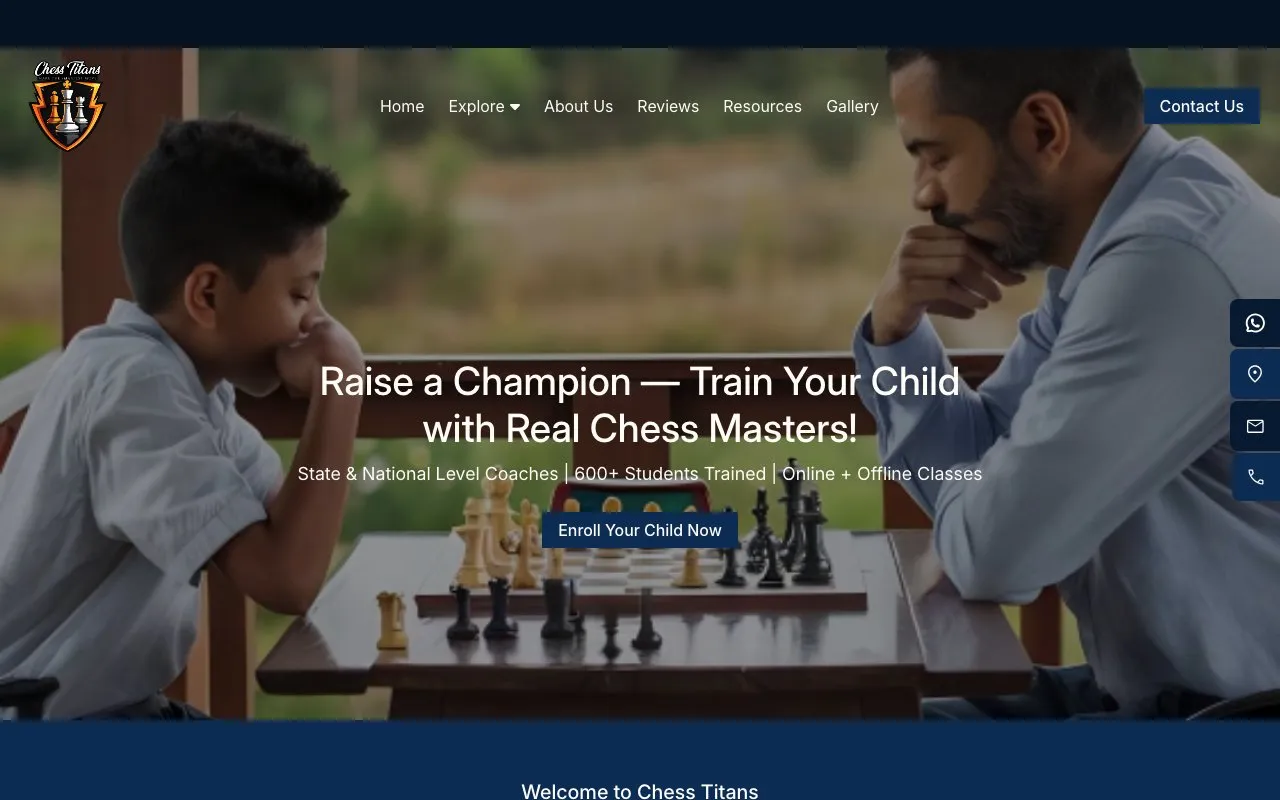
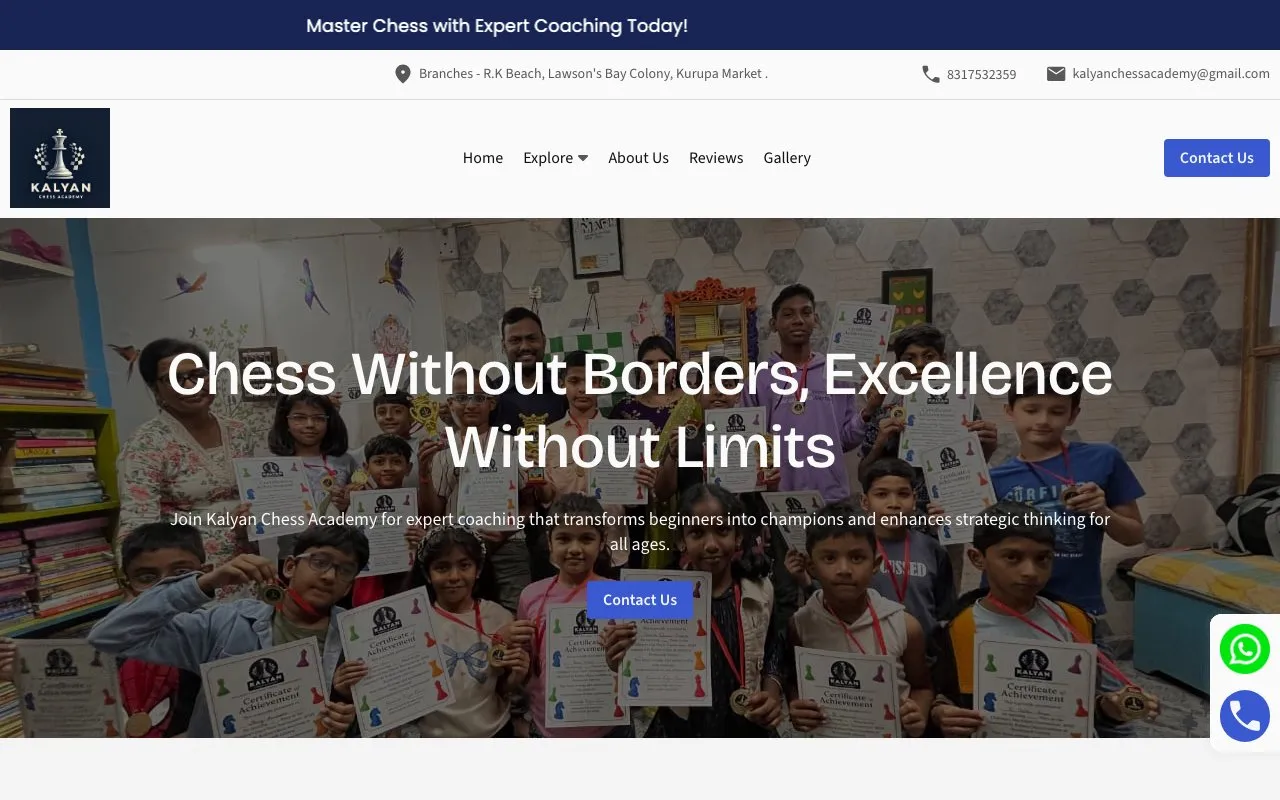
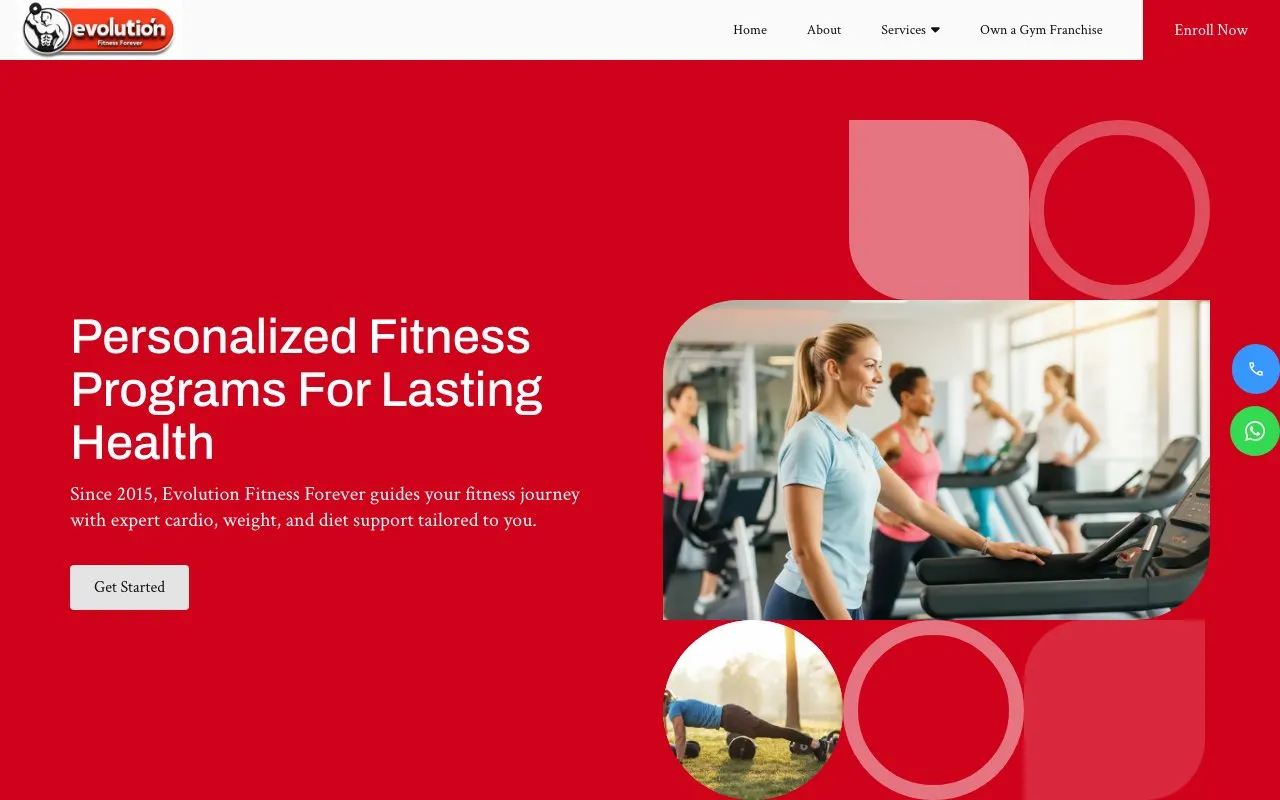
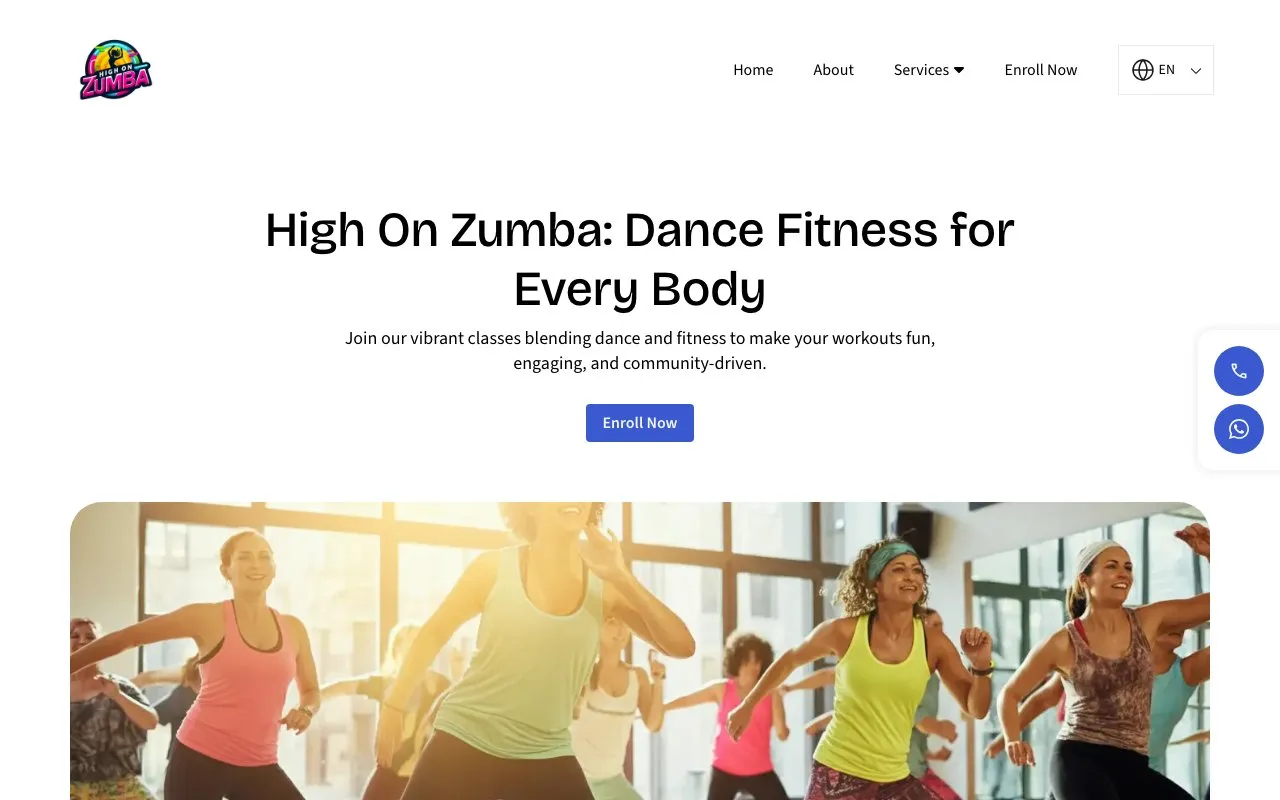
What academies on Open Weaver put on their websites, from the checklist above.

Chess academy website FAQs
Can my chess academy website say a coach is FIDE certified?
Only use the exact title on the coach's FIDE profile, like FIDE Instructor or Developmental Instructor, and link their FIDE ID. A trainer title is not a playing title, so never mix them up. Parents searching "FIDE rated chess coach" check these profiles.
What does a child need before playing a FIDE rated tournament?
The child needs AICF registration, renewed each year, before entering a rated event in India. Explain this on your website, and remind parents before the first rated event of the year. Tell them before you take any tournament entry fee.
Should online chess batches get their own page?
Yes. Parents search "online chess classes for kids", and many live in other cities or abroad. List your Zoom batches with days, times, time zone and the platform you play on, like Lichess or Chess.com.
Do I need a parent's consent to record an online chess class?
Yes. Under the Digital Personal Data Protection Act, 2023, ask a parent before you record a class or save a child's name, age, rating or photo. Say on your website who joins a class and that class links are private.
When should a chess academy open summer camp bookings?
April and May bring the most new students, so post camp dates by March. Remind parents on WhatsApp every March, and put most of your ad budget into March to May and the weeks before Diwali.
Can I list my academy on Lichess and Chess.com as well as Google?
Yes. Both have coach listings, alongside UrbanPro and Justdial. Use the same academy name everywhere and link back to your website. Add your Lichess team or Chess.com club link to your site, so students can play between classes.
Create your chess academy website with your favourite features
All 14 features included for ₹299/month.0 from your checklist
Website
- AI Builder
- AI Editor
- Hosting & SSL
- Logo Maker
- Multi-language
- UPI Payments
- Domain Names
Marketing
- SEO
- Google Search Check
- Leads & Appointments
- Social Posts
- WhatsApp Status
- QR Posters
- Analytics
- See 6 free custom websites
- Select and pay only if you like it
- Free support
- 7-day risk-free trial