
How to create a cricket academy website
Your complete guide to getting a website for your cricket academy: what to put on it, what parents and players search for, how to market it and the online rules to follow.
IncludedSEOBookingsSocialAnalytics
₹299/monthTry Free
What do you need for a cricket academy website?
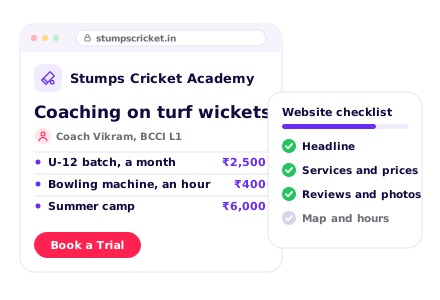
Why should players choose your cricket academy?
- 1. Write a clear headline
- 2. Show what makes you different
- 3. Write your About section
- 4. Show your numbers
- 5. Use a logo and academy colours
1. Write a clear headline
Say what you do and where, in one line, like “Cricket coaching for ages 8 to 19 in Dwarka, on turf wickets”. Put a Book a Trial button right beside it.
See our AI Website BuilderChecklist
2. Show what makes you different
Give 3 reasons to pick your academy, near the top of the page: turf wickets, a bowling machine, coaches with BCCI or state levels, or regular practice matches.
Checklist
3. Write your About section
Say when you started, who runs the academy and why players keep coming back. Add one line on how you coach players, like “Every player gets a skills check and a clear plan”.
Checklist
4. Show your numbers
Numbers build confidence fast: years running, players trained and players picked for district or zonal teams. Keep them true and up to date.
Checklist
5. Use a logo and academy colours
A clear logo and bold, consistent colours make your academy look trusted and easy to remember.
See our Business Logo MakerChecklist
What coaching programmes do you offer?
- 1. List your batches
- 2. Show starting prices
- 3. Add offers and packages
- 4. Add your payment options
- 5. Show your ground and nets
- 6. Add matches and tournaments
1. List your batches
List U-10 to U-19 batches, weekend batches and special camps for batting, bowling or wicketkeeping, with one line on each.
Checklist
2. Show starting prices
A starting price for each batch answers the first question most parents have. Say what the fee covers, like nets, matches and video analysis.
See our AI Website EditorChecklist
3. Add offers and packages
Share clear offers, like a sibling discount or a quarterly plan, with the price. Share facts and prices, not promises of selection.
Checklist
4. Add your payment options
Say if you take UPI and cards. Let parents pay the monthly fee or camp fee by UPI on your website.
See our UPI Payments on WebsiteChecklist
5. Show your ground and nets
Show your turf wickets, cement nets, bowling machine, outfield and changing area.
Checklist
6. Add matches and tournaments
List the leagues and tournaments your players play in, and your practice match days.
Checklist
How can parents trust your cricket academy?
- 1. Introduce your coaches
- 2. Add a photo gallery
- 3. Show reviews from parents and players
- 4. Explain your safety rules
- 5. Answer common questions
1. Introduce your coaches
Add each coach's photo, BCCI or state coaching level, playing record and years of coaching.
Checklist
2. Add a photo gallery
Real photos of nets sessions, matches and your ground. Ask parents before you post photos of children.
See our AI Website EditorChecklist
3. Show reviews from parents and players
Add 3 to 5 real reviews, with the parent's consent, and link to your Google reviews. Name players picked for district or zonal teams only with their parents' permission.
Checklist
4. Explain your safety rules
Explain your helmet and pad rules, water and heat breaks, first aid and who watches the children.
Checklist
5. Answer common questions
Add an FAQ section with short, clear answers: “From what age can my child join?”, “Do you provide kit?”, “How do players get into matches?”. Clear answers also help Google and AI assistants describe your academy.
See our Automatic Website SEOChecklist
How can parents reach your cricket academy?
- 1. Add booking and enquiry forms
- 2. Add phone, WhatsApp and email
- 3. Show your address on a map
- 4. Add your working hours
- 5. Add your social media links
- 6. Offer your website in local languages
1. Add booking and enquiry forms
A Book a Trial button on every page, and a form for questions, so parents can reach you any time.
See our Leads, Orders & AppointmentsChecklist
2. Add phone, WhatsApp and email
Show your phone, WhatsApp and email at the top and bottom of every page. Add buttons so people can call or chat in one tap.
Checklist
3. Show your address on a map
Add your full address with a nearby landmark. Add a Google Map so people can get directions in one tap. Say if there is parking and where parents can wait.
Checklist
4. Add your working hours
Show your practice timings for each day, including weekend sessions.
Checklist
5. Add your social media links
Link your Instagram, Facebook and YouTube in the menu or the footer.
Checklist
6. Offer your website in local languages
Show your batches, fees and rules in Hindi, Tamil, Marathi or whichever language your parents speak at home.
See our Multi-language WebsiteChecklist
How to host and maintain your website?
- 1. Choose a domain name
- 2. Put your website on hosting
- 3. Turn on SSL
- 4. Make your website open fast (CDN)
- 5. Keep backups of your website
- 6. Keep your website up to date
1. Choose a domain name
This is your website address, like straightdrivecricket.in. Use your academy name, and add your area if the name is taken.
See our Domain Name GeneratorChecklist
2. Put your website on hosting
Hosting keeps your website online, day and night.
See our Website Hosting & SSLChecklist
3. Turn on SSL
SSL puts a lock next to your web address and makes it start with https.
See our Website Hosting & SSLChecklist
4. Make your website open fast (CDN)
A CDN keeps copies of your website in many cities, so it opens fast wherever people are.
See our Website Hosting & SSLChecklist
5. Keep backups of your website
A backup is a saved copy of your website, made every day.
See our Website Hosting & SSLChecklist
6. Keep your website up to date
Change your batches, fees, camp dates and match results whenever they change. Pick a website you can edit from your phone.
See our AI Website EditorChecklist
How to get more enquiries & players for your cricket academy
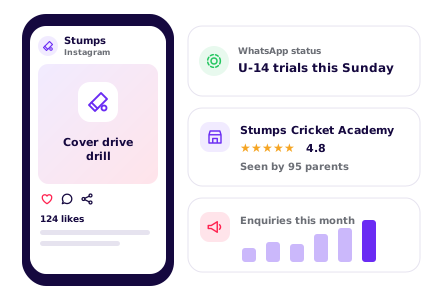
SEO – Get found on Google & AI
- 1. Set up and update your website SEO
- 2. Set up your Google Business Profile
- 3. Check Google can find your site
- 4. List your academy on directories
- 5. Ask happy players for reviews
1. Set up and update your website SEOOngoing
Do this with your website, then keep it current. Give Google and AI assistants a clear picture of your academy: keywords for your batches and area, a page title and description, one main heading (H1) on each page, a favicon, and structured data with your address, phone and hours.
See our Automatic Website SEOChecklist
2. Set up your Google Business ProfileOne time
Use the same academy name, address and phone as your website. Pick “Cricket club” as your main category.
Checklist
3. Check Google can find your siteOne time
Make sure your website is on Google, so players searching for cricket coaching in your area can see it.
See our Google Search CheckChecklist
4. List your academy on directoriesOne time
Use the same name, address and phone everywhere, and link back to your website.
Checklist
5. Ask happy players for reviewsOngoing
Send your review link on WhatsApp after a player makes a team or finishes a season.
Checklist
WhatsApp Marketing
- 1. Set up your WhatsApp Business profile
- 2. Post on WhatsApp status weekly
- 3. Remind players of fees and seasons
- 4. Share promotions and special offers
1. Set up your WhatsApp Business profileOne time
Add your academy name, logo, timings and address.
Checklist
2. Post on WhatsApp status weeklyOngoing
Pick one idea a week. Everyone who saved your number sees it for a day.
See our WhatsApp Status Post MakerStatus ideas
3. Remind players of fees and seasonsOngoing
Message each parent before fees are due, and before the next season or camp.
See our Leads, Orders & AppointmentsReminder ideas
Paid Ads on Google, Insta, FB
- 1. Run Google Ads for nearby searches
- 2. Run Instagram and Facebook ads
1. Run Google Ads for nearby searchesOne time
Google Ads puts your academy at the top of Google and on Google Maps when parents nearby search for cricket coaching.
Best campaign for a cricket academy
- Campaign
- Search, with your ground location added
- Where?
- At the top of Google search results, marked “Sponsored”. With your location added, it also shows on Google Maps, with Directions and Call buttons.
- Who?
- Parents and players in or regularly near your area who search for cricket coaching. Set this under Locations: use Advanced search to add a radius around your ground, and under Location options choose “Presence: People in or regularly in your included locations”.
- Targeting tips
- Radius: 5–10 km. Parents travel further for good cricket coaching
- Keywords: “cricket academy near me”, “cricket coaching for kids [your area]”, “cricket summer camp [your city]”, “leather ball cricket coaching”
- Negative keywords: jobs, live score, bat, kit, buy, IPL tickets
- When: spend most from February to May, before camps and the season
- Budget: ₹200–₹600 a day in season
- Why?
- Parents search for coaching close to home before the summer and the season start.
Checklist
2. Run Instagram and Facebook adsOne timeOngoing
Meta ads show your academy to parents nearby while they scroll Instagram and Facebook.
Best campaign for a cricket academy
- Campaign
- Click-to-WhatsApp ad for a trial session
- Where?
- In Instagram feed, Stories and Reels, and in the Facebook feed. Tapping the ad opens a WhatsApp chat with your academy.
- Who?
- Parents who live near your ground, and players 18 and over. Meta does not let you target children. Set this under Audience: drop a pin on your ground, set the radius, then set the age.
- Targeting tips
- Radius: 5–10 km around your ground
- Age: 28–48 for parents, 18–24 for older players
- Language: match the language of your ad
- Placements: leave on automatic, Reels work well
- Budget: ₹200–₹500 a day. Run it for at least 7 days before you judge it
- Ad: a coaching reel with a free trial session
- Why?
- Cricket videos get watched. A drill reel and a trial session on WhatsApp turn interest into a visit to the nets.
Set up once
Every month
Others
- 1. Put your website link everywhere
- 2. Print a QR code poster
- 3. Check visits and enquiries monthly
1. Put your website link everywhereOne time
On paper and online: every place a parent or player might look you up.
Checklist
2. Print a QR code posterOne time
Parents scan it to save your number, see the batches or leave a review.
See our QR Code Poster MakerChecklist
3. Check visits and enquiries monthlyOngoing
See which batches people look at most, like under-12 or leather ball, and move them higher on your page.
See our Website AnalyticsChecklist
Pick your programmes, see your cricket academy website
Tap what your academy offers
Enter cricket academy name
Want to see how it works? See how the cricket academy website builder works
How parents and players find a cricket academy online

Trending programmes
Summer camps
Most enquiredApril to June brings the most new players. Open bookings in March.
Coaching for 8 to 12 year olds
RisingParents start children younger now. Run a fun, skills-first batch for them.
Fast bowling and spin clinics
SteadyPlayers want help with their own role. Run short clinics on weekends.
Girls' cricket batches
RisingMore girls want to play. Say if you have a girls' batch or a woman coach.
Video analysis
RisingParents like to see their child's technique improve. Show how you film and review.
Winter match season
SeasonalOctober to February is tournament time. Share fixtures and results.
Based on enquiries on Open Weaver cricket academy websites, 2026.
How parents and players search for a cricket academy on Google
cricket academy near meNearby
The top search. Google shows the academies closest to the person first.
cricket coaching in DwarkaBy area
Put your locality and ground name in your website title and address.
cricket coaching for 10 year oldBy age
List your batches by age so parents see a place for their child.
cricket academy fees per monthBy price
Show your monthly fee and what it includes.
cricket summer camp 2027Seasonal
Post camp dates by March. Parents book before school ends.
fast bowling coachingBy skill
Give fast bowling, spin and keeping their own sections.
cricket academy with turf wicketBy facility
Name your turf, cement nets and bowling machine.
BCCI certified cricket coachBy coach
Show each coach's level and where they played.
cricket trials for under 14Selection
Explain how your players get match chances, without promising selection.
How you look on Google
Your Academy | Cricket Academy in Dwarka, Delhi
Cricket coaching for U-12 to U-19. BCCI Level 1 coaches, turf wickets and bowling machine. Book a trial session on WhatsApp.
- Age-group batches
- Our coaches
- Summer camp
- Book a trial
How parents and players ask AI about a cricket academy
Which cricket academy near Dwarka has a turf wicket for under 14 players?
People now ask ChatGPT and other AI assistants. Clear age groups, facilities and area help them name your academy.
How you show up in AI chatbots
Which cricket academy near Dwarka has turf wickets and an under 14 batch?
Your Academy in Dwarka, Delhi coaches U-12 to U-19 players on turf wickets with a bowling machine. Its coaches hold BCCI Level 1, it runs morning and evening batches, and parents can book a trial session on WhatsApp.
yourcricketacademy.comSample answer. ChatGPT, Gemini and others each word it their own way.
Online rules to know

Get a parent's consent for a child's details
All businessesMost of your players are under 18, so a parent must agree before you collect their details or post their photos and scores.
Keep fees and offers honest
All businessesShow the real monthly fee, camp fee and kit cost. Do not hide charges or run fake "last few seats" offers.
Never promise selection
Cricket AcademyDo not promise a place in a state, IPL or national team. Share real selections only with consent, and say which team.
Keep children safe and report abuse
Cricket AcademyHave a written child safety policy, never leave a coach alone with a child out of sight, and report any abuse you learn of. Say on your website how you keep players safe.
Rule: Protection of Children from Sexual Offences (POCSO) Act, 2012
Cricket academy website ideas from real academies
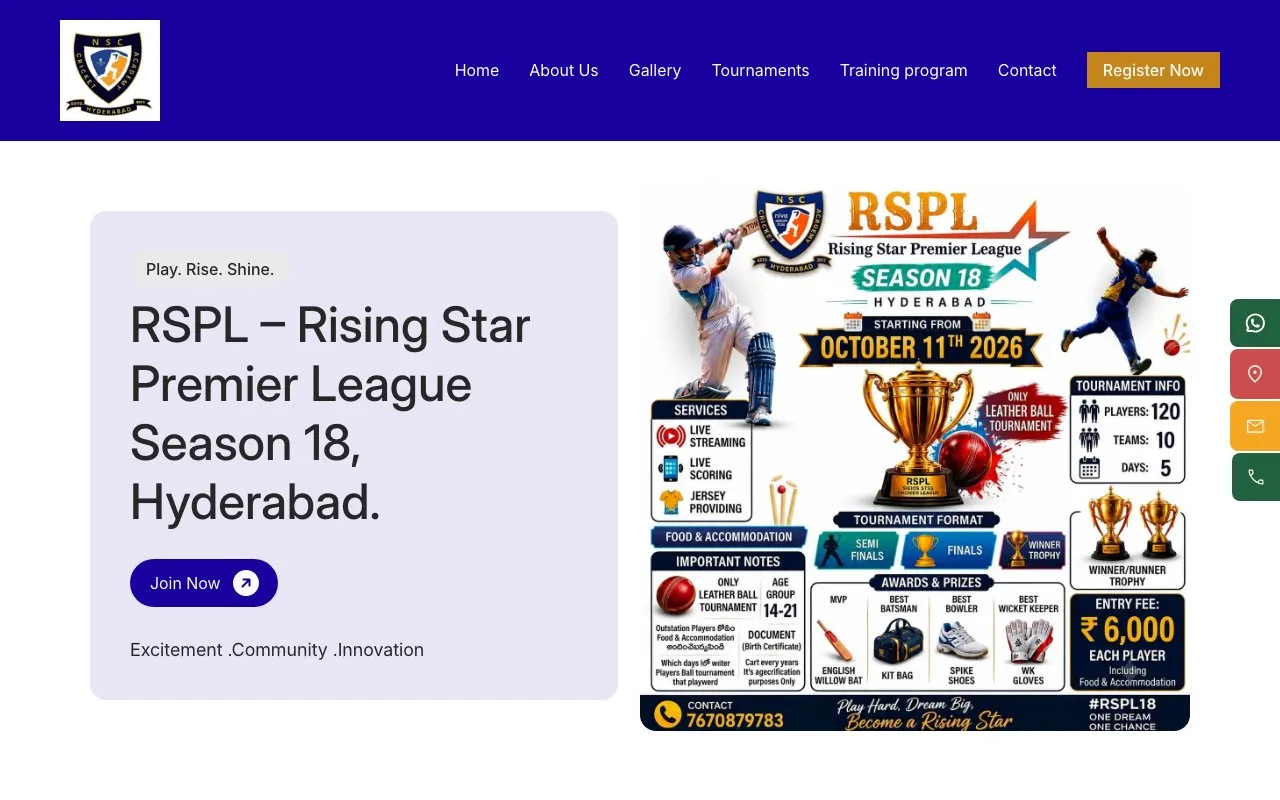
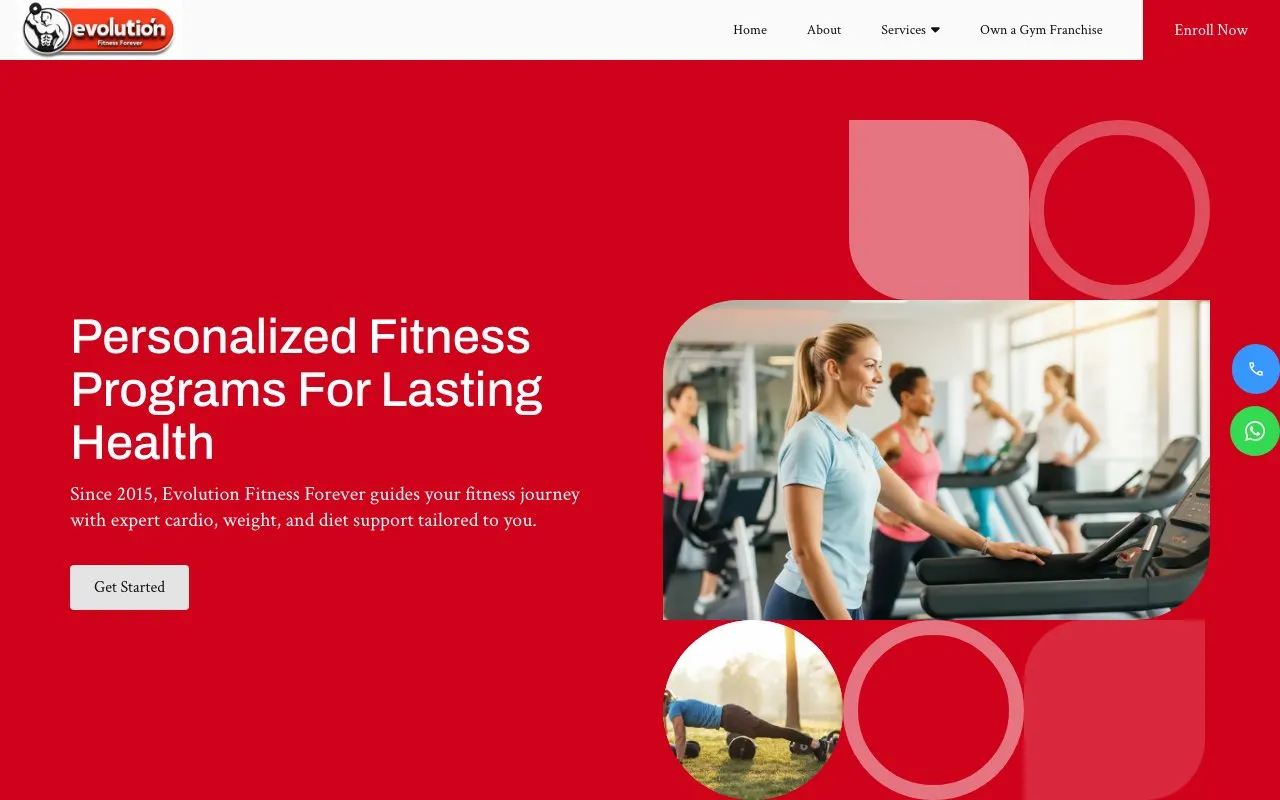
What academies on Open Weaver put on their websites, from the checklist above.

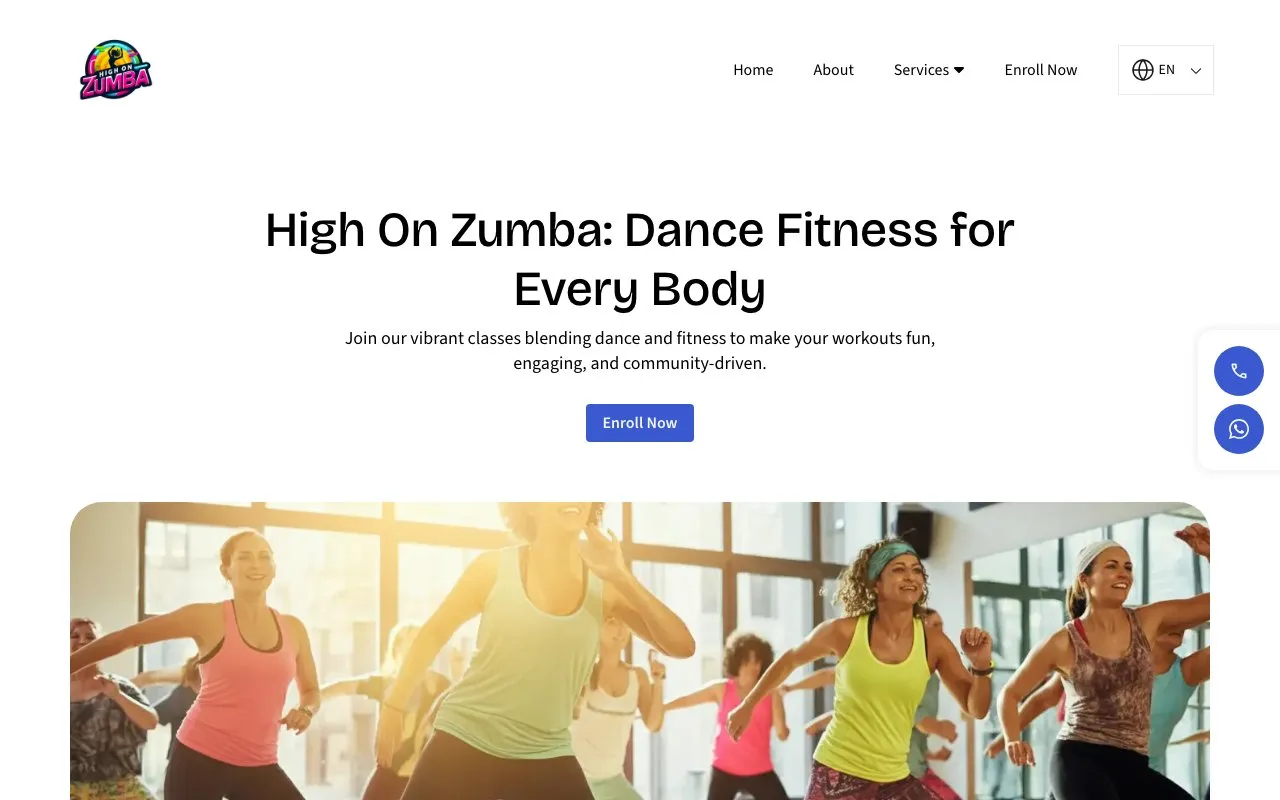

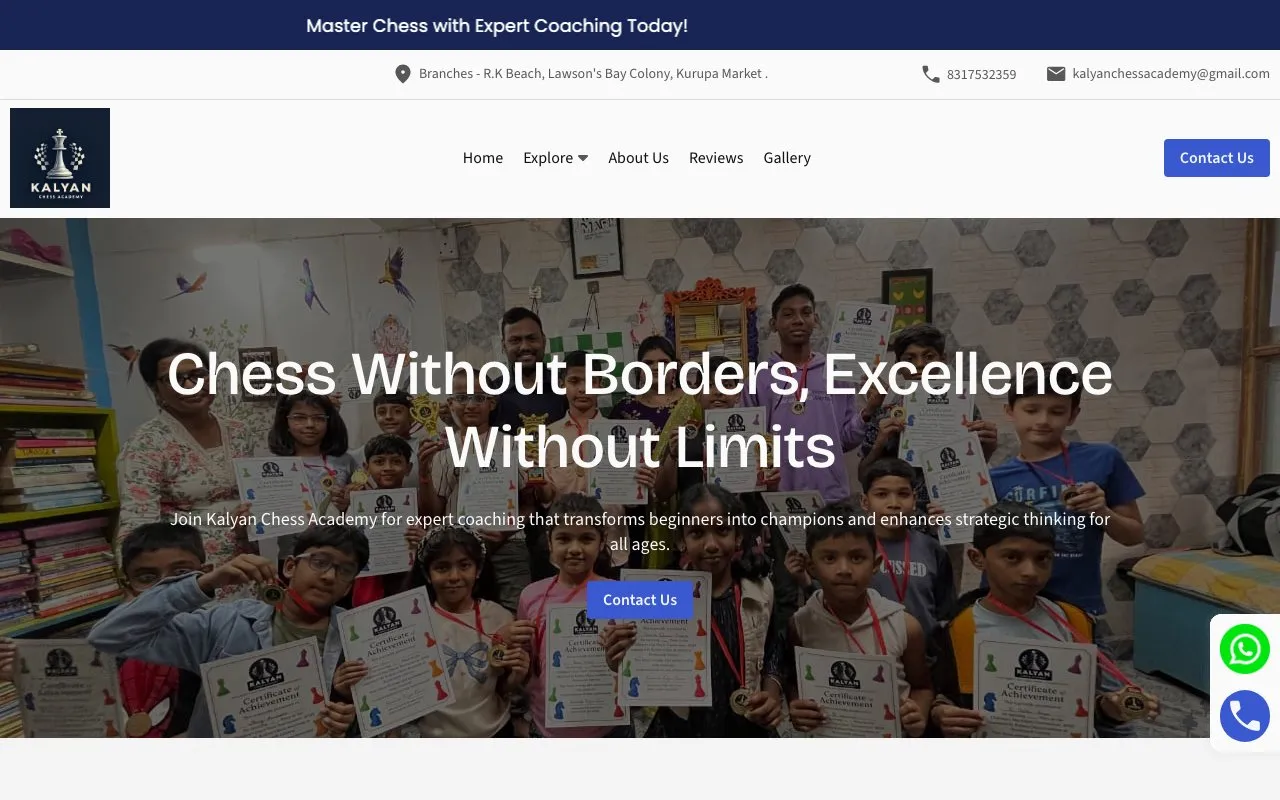
Cricket academy website FAQs
What should a cricket academy website show parents?
A headline with your coaching and area, your batches by age with starting prices, and your coaches with their BCCI or state levels and playing record. Add photos of your turf wickets and nets, your safety rules, your practice timings, a map and a Book a Trial button. The Website checklist above covers each one.
Can I post photos and scores of junior players on my website?
Most of your players are under 18, so a parent must agree before you collect their details or post their photos and scores. This comes from the Digital Personal Data Protection Act, 2023. Name players picked for district or zonal teams only with their parents' permission.
Can my academy promise players a place in a state or IPL team?
No. Don't promise a place in a state, IPL or national team. Share real selections only with consent, and say which team. The ASCI Code for Self-Regulation of Advertising Content covers claims like these.
What child safety rules apply to a cricket academy?
Have a written child safety policy, never leave a coach alone with a child out of sight, and report any abuse you learn of. This comes from the Protection of Children from Sexual Offences (POCSO) Act, 2012. Say on your website how you keep players safe, including helmet and pad rules, heat breaks and first aid.
When should a cricket academy promote its summer camp?
April to June brings the most new players, so post your camp dates and open bookings in March. Parents book before school ends. Send a WhatsApp reminder every March, and spend most of your ad budget from February to May.
How do I show up when parents search "cricket academy near me"?
Google shows the academies closest to the person first. Set up and verify your Google Business Profile with "Cricket club" as your main category, and add your batches, fees, ground photos and coaches. Put your locality and ground name in your website title and address, and list your academy on Playo, Justdial and UrbanPro with the same name, address and phone.
Create your cricket academy website with your favourite features
All 14 features included for ₹299/month.0 from your checklist
Website
- AI Builder
- AI Editor
- Hosting & SSL
- Logo Maker
- Multi-language
- UPI Payments
- Domain Names
Marketing
- SEO
- Google Search Check
- Leads & Appointments
- Social Posts
- WhatsApp Status
- QR Posters
- Analytics
- See 6 free custom websites
- Select and pay only if you like it
- Free support
- 7-day risk-free trial